
Lower barriers
Anonymous, digital, no conversation needed. Those who don't want to actively approach a person can still report – with a scan.

The live system for events, stadiums, and venues. Real-time reports and support from any location.
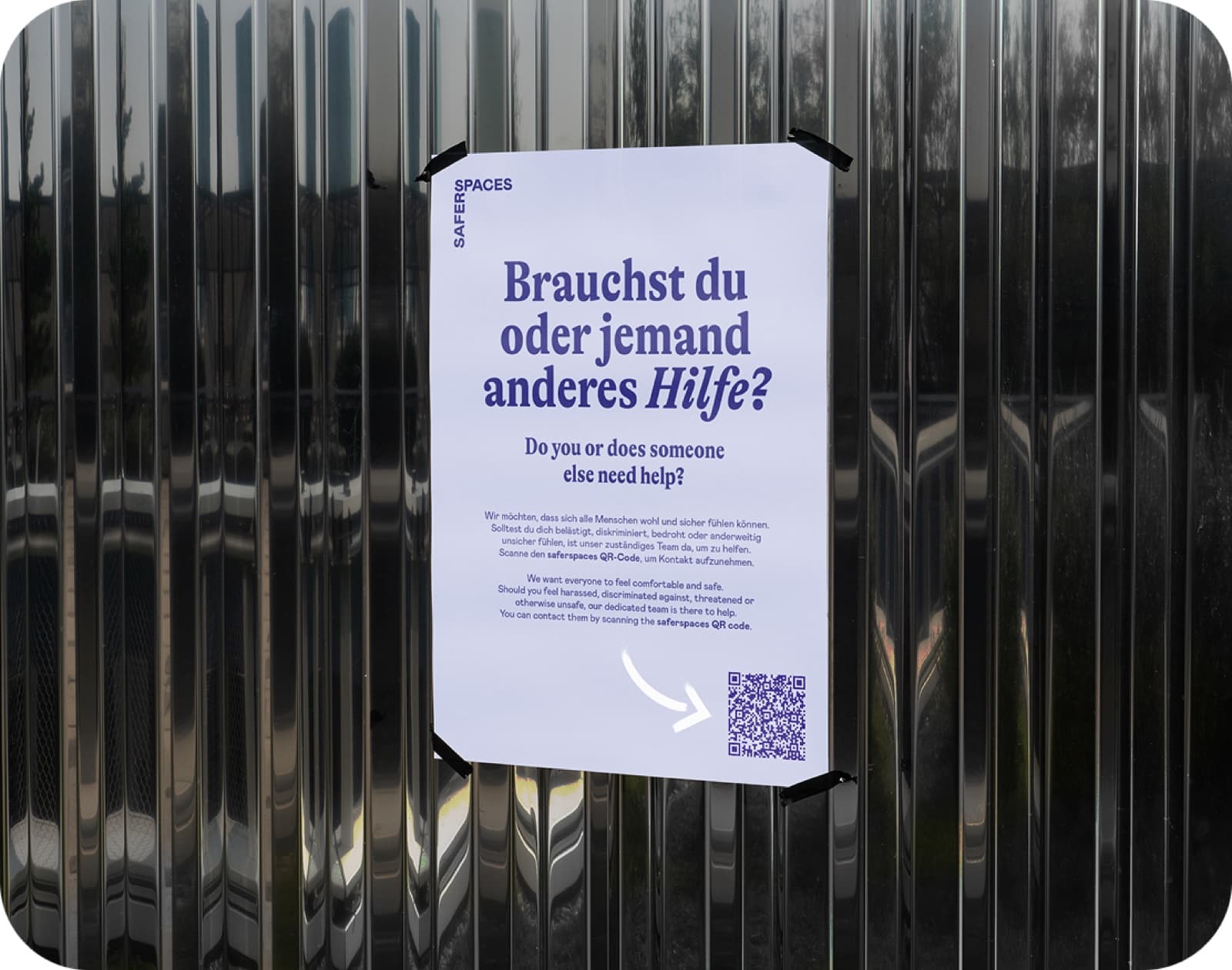
Many incidents go unreported because the barrier to actively approaching a stranger is too high. Rapid Response makes awareness and safeguarding teams accessible everywhere through digital accessibility – anonymous, low-threshold, and exactly when support is needed. Every report is one dark figure less. The system gives on-site teams the tools for fast, structured operations: from reporting to real-time chat to documented evaluation.
Via QR code, venue link, or app integration – affected persons reach the team in seconds. Anonymous, low-barrier, and GDPR-compliant.
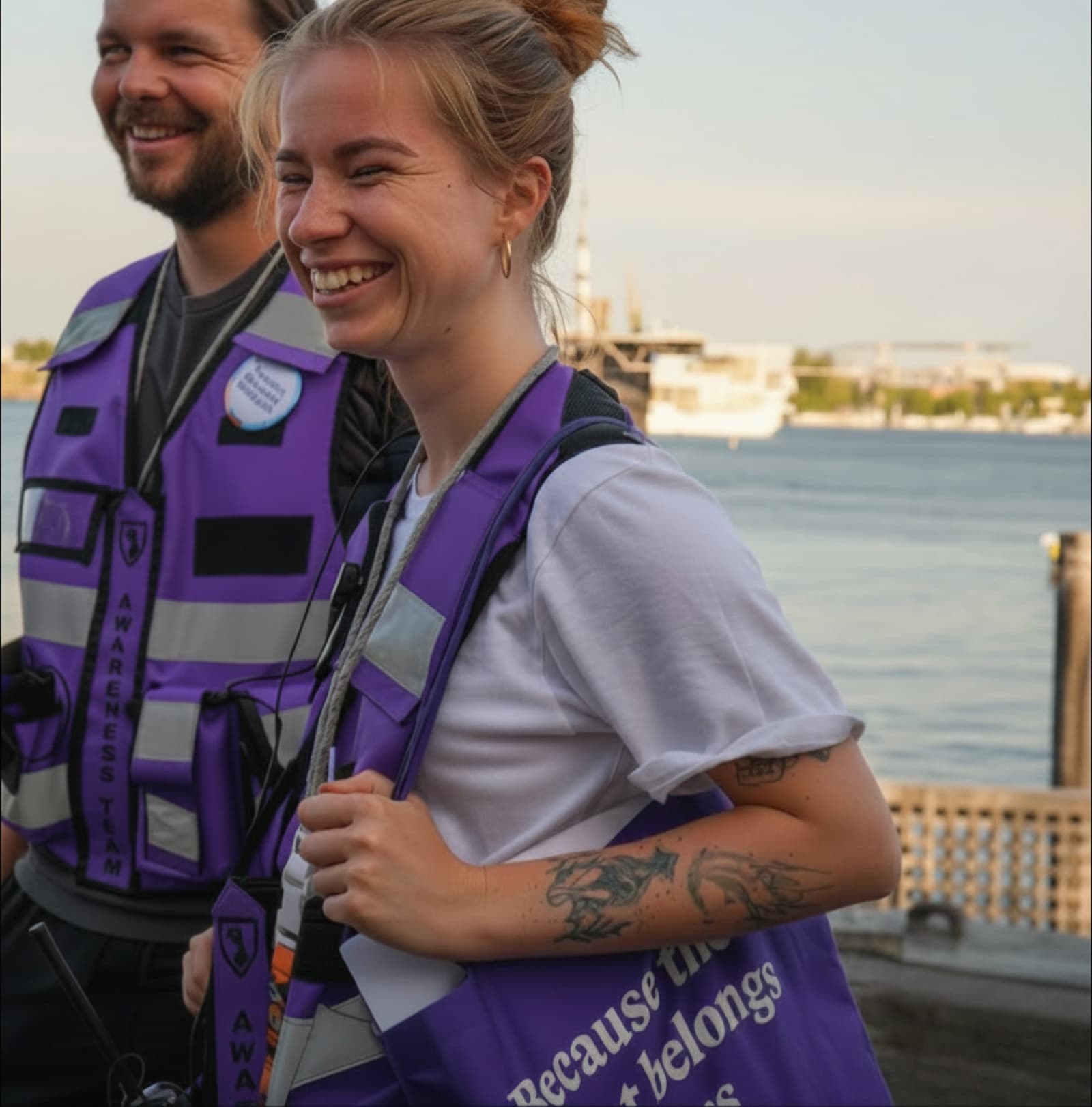
Affected persons scan the code or use the venue link and are connected directly to the responsible team. No app download, no registration, no login.
QR codes on posters, info materials, and digital screens
Report from any location via venue link or app integration
Automatic language detection
Anonymous from the start – no name, phone number, or account
GDPR-compliant by design
Reports arrive in real time – with exact location and critical alerts. Teams communicate directly with affected persons and document every incident.
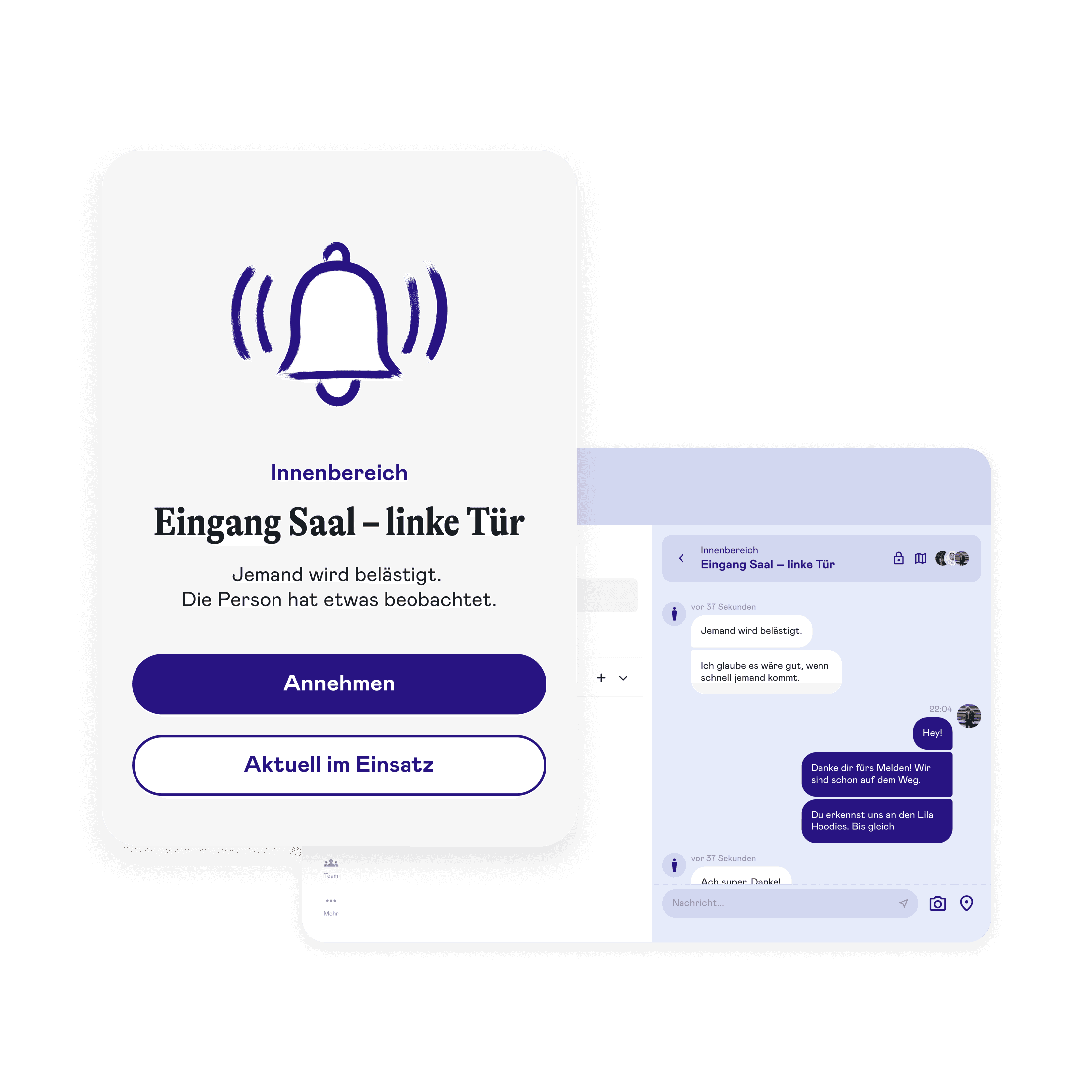
All incoming reports appear instantly in the app – with exact location, category, and critical alert. Teams chat directly with affected persons, coordinate deployments, and create detailed incident reports. Internal communication for coordination within the app enables quick team alignment. Multi-user access ensures the entire team can work in parallel.
Real-time report intake with exact location
Critical alert for incoming reports
Direct chat with affected persons
Internal communication for team coordination
Detailed incident protocol per report
Multi-user: multiple team members simultaneously
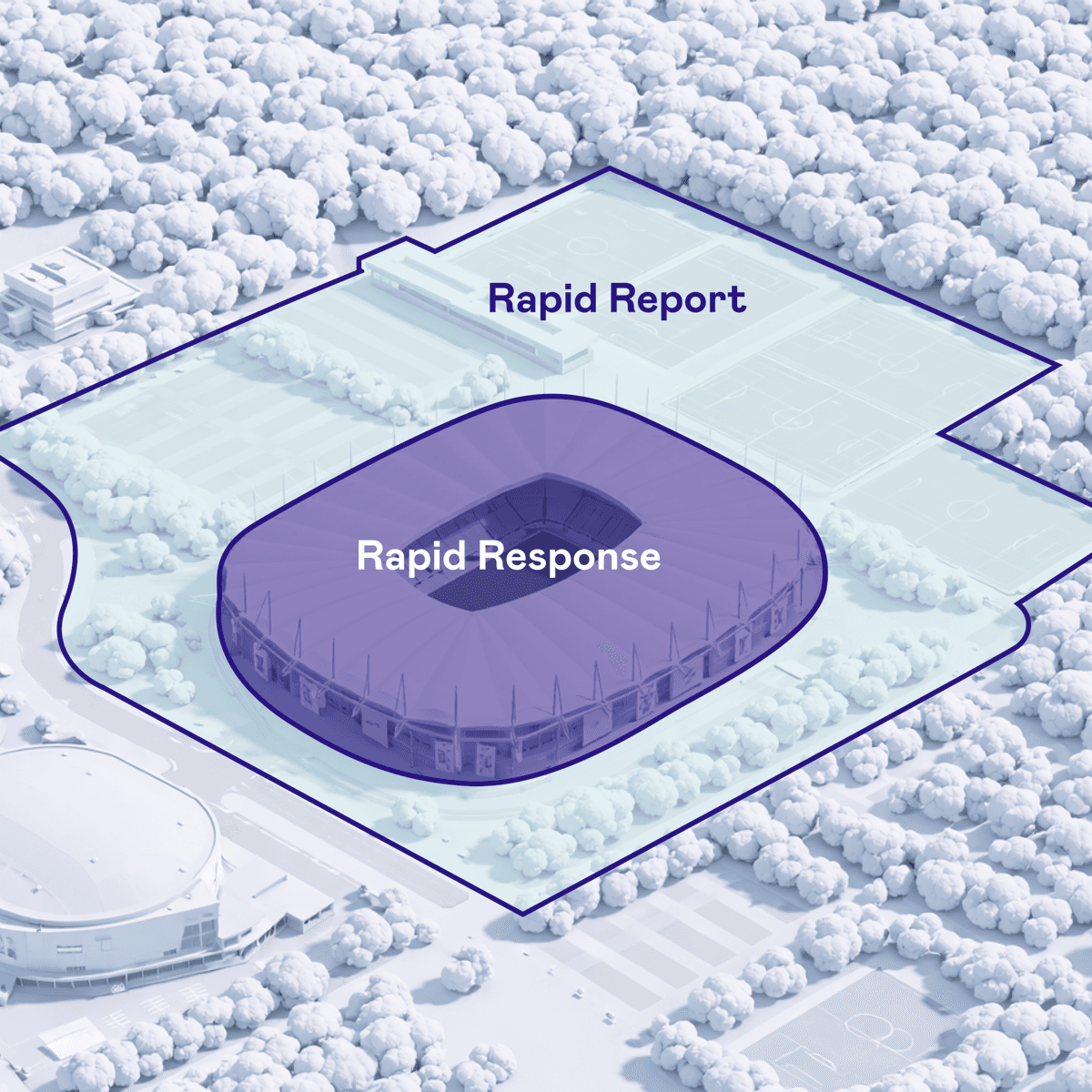
Geofencing defines where Rapid Response is active. Reports are automatically assigned to the correct venue and responsible team – without manual selection. A single link is enough for any number of locations.
Automatic location detection on open
One link for all venues – the system detects the location
Reports are routed directly to the responsible team
Ideal for tournaments, tours, and multi-venue setups
One link – 10 stadiums and 4 fan zones in Germany covered by automated detection.
One link – 8 stadiums in Switzerland with the same principle.
In use for 3 years – one URL for comprehensive accessibility across the entire city.
One link – automatic activation at every venue on the tour.
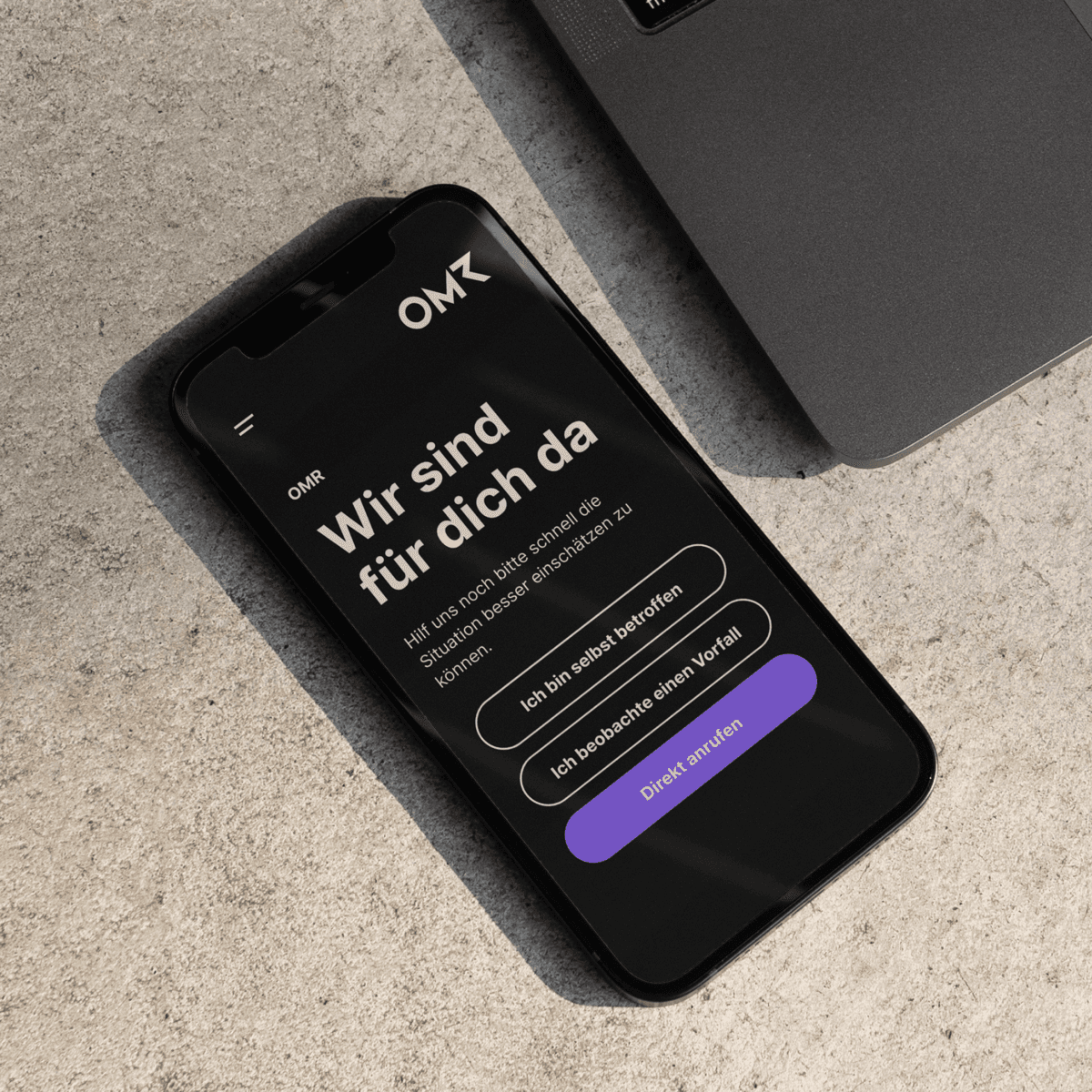
Both Rapid Response and Rapid Report can be operated under your own branding. All user-facing web applications – report forms, chat interface, and report portal – appear in your organization's look and feel.
Custom logo, colors, and domain
Available for Rapid Response and Rapid Report
Report form, chat, and report portal in your CI
Posters and print media designable in your own style
Anonymous, digital, no conversation needed. Those who don't want to actively approach a person can still report – with a scan.

QR codes on posters, screens, and info materials signal: We're watching. Awareness becomes visible and tangible.

Just knowing that support is only a scan away changes the experience – for all visitors.

Every report is an incident that would have otherwise gone unnoticed. More data means better prevention.
Anonymous, digital, no conversation needed. Those who don't want to actively approach a person can still report – with a scan.
QR codes on posters, screens, and info materials signal: We're watching. Awareness becomes visible and tangible.
Just knowing that support is only a scan away changes the experience – for all visitors.
Every report is an incident that would have otherwise gone unnoticed. More data means better prevention.
In a personal demo, we'll show you how Rapid Response works in your context – live and interactive.